
Max RAM supported?
Extent of RAM supported by your desktop/laptop
Ramgopal
9/29/20101 min read
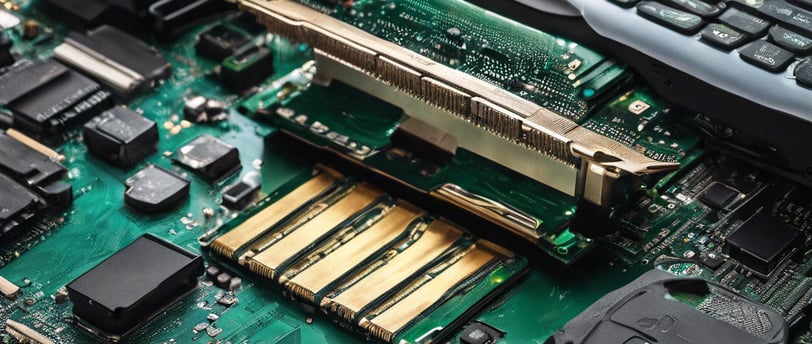
Recently, I had to upgrade the memory of my computer from the 2GB that it had. The upgrade was necessary because of some heavy duty software being installed. I wasn't sure about the maximum RAM supported by the machine. The user manual (specs) that came with the machine couldn't be located (as always). So, here's the series of things that I tried.
1. Windows Explorer -> Help -> About menu displays the amount of RAM installed. I was already aware of this and wanted the max capacity.
2. Windows Explorer -> My Computer -> Right Click -> Properties menu again only displays the amount of RAM installed.
3. Windows Task Manager -> Performance tab displays the amount of RAM installed with additional details about 'Available' memory etc.
4. Start -> Programs -> Accessories -> System Tools -> System Information app again displays similar information.
Without much success, I reverted to google (shouldn't that be the first thing to try?). The top few search results were either links to similar queries on user groups without answers or incorrect/insufficient answers (I wonder when was the last time I got a relevant link in the top 3 results on google). Finally, I came across http://www.crucial.com. This site has a tool that when run (after download) scans the system configuration and gives very detailed information about memory installed as well as the maximum capacity of the machine. The site in several cases suggests the compatible memory types for upgrade.